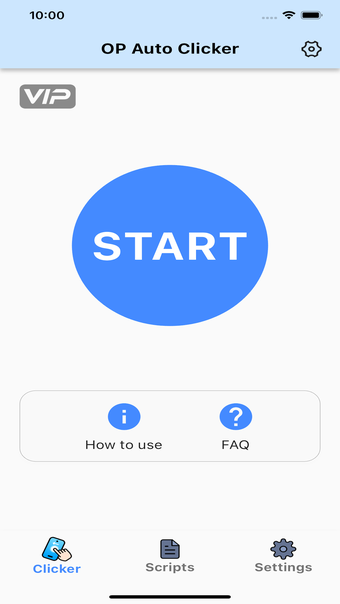



Automate repetitive taps and swipes on iPhone and iPad
OP Auto Clicker, developed by 芳 王, is a utility app designed to automate repetitive tapping and swiping tasks on iPhone and iPad. It’s built to assist with activities such as gaming, browsing, reading, and other tap-heavy interactions. The app is available as a free download with optional in-app purchases and subscription options, with some features requiring a paid upgrade.
Top Recommended Alternative
Automation modes and custom controls
OP Auto Clicker offers several modes to support different interactions: Single Target Mode for repeated tapping on one point, Multi-Target Mode for tapping multiple positions or creating swipe paths, Refresh Mode for reloading content, and Scroll Mode for continuous page navigation. These options let users adapt the app to various scenarios, from general app navigation to repetitive in-game actions.
To support these functions, OP Auto Clicker includes adjustable settings for tap intervals, duration, and repetition, along with a built-in timer for controlling how long automation runs. It also features CPS (clicks per second) tracking, which helps users monitor tapping speed and maintain consistent performance. A floating control panel allows users to start, stop, and adjust automation in real time without interrupting their activity, making the overall experience more efficient.
Reusable actions and additional features
The app supports saving predefined setups, allowing users to quickly reuse frequently performed actions without reconfiguring them each time. In addition to automation, it also includes tools such as webpage screenshot and screen recording, customizable counters, interface personalization options, and multi-language support, adding practical value beyond basic tapping functions.
A solid option for repetitive tasks
Overall, OP Auto Clicker provides a well-rounded set of features for automating repetitive on-screen actions. Its combination of flexible modes, customizable controls, and reusable configurations makes it a practical option for users looking to streamline routine interactions on their devices.